Getting Started
Movement, controls, and your first steps in the overworld.
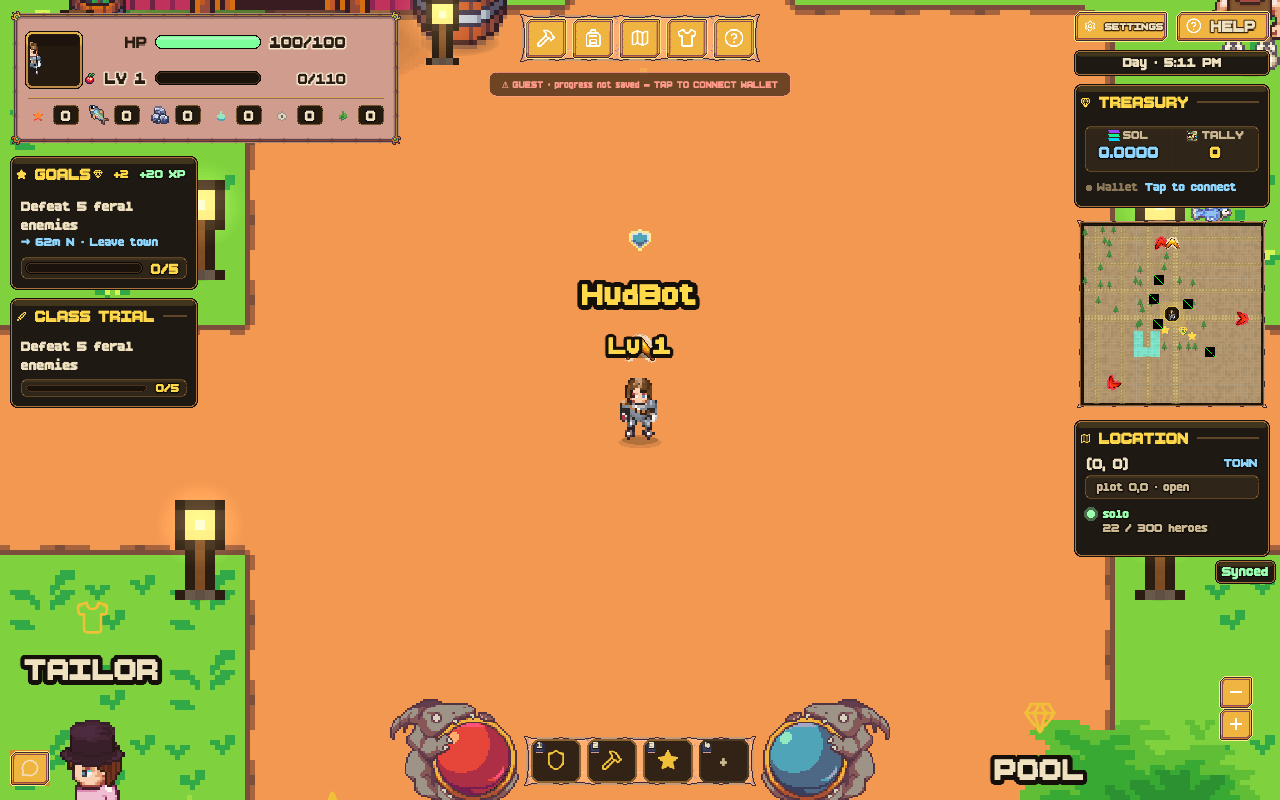
TallyWorld is a pixel survival RPG with a shared live world. You explore biomes, gather resources, battle creatures, and — if you choose — claim land on Solana with $TALLY.
The game runs in your browser or on Solana Mobile (Seeker / Saga). Connect a wallet when you want on-chain land or marketplace actions; everything else is free to play.
Movement
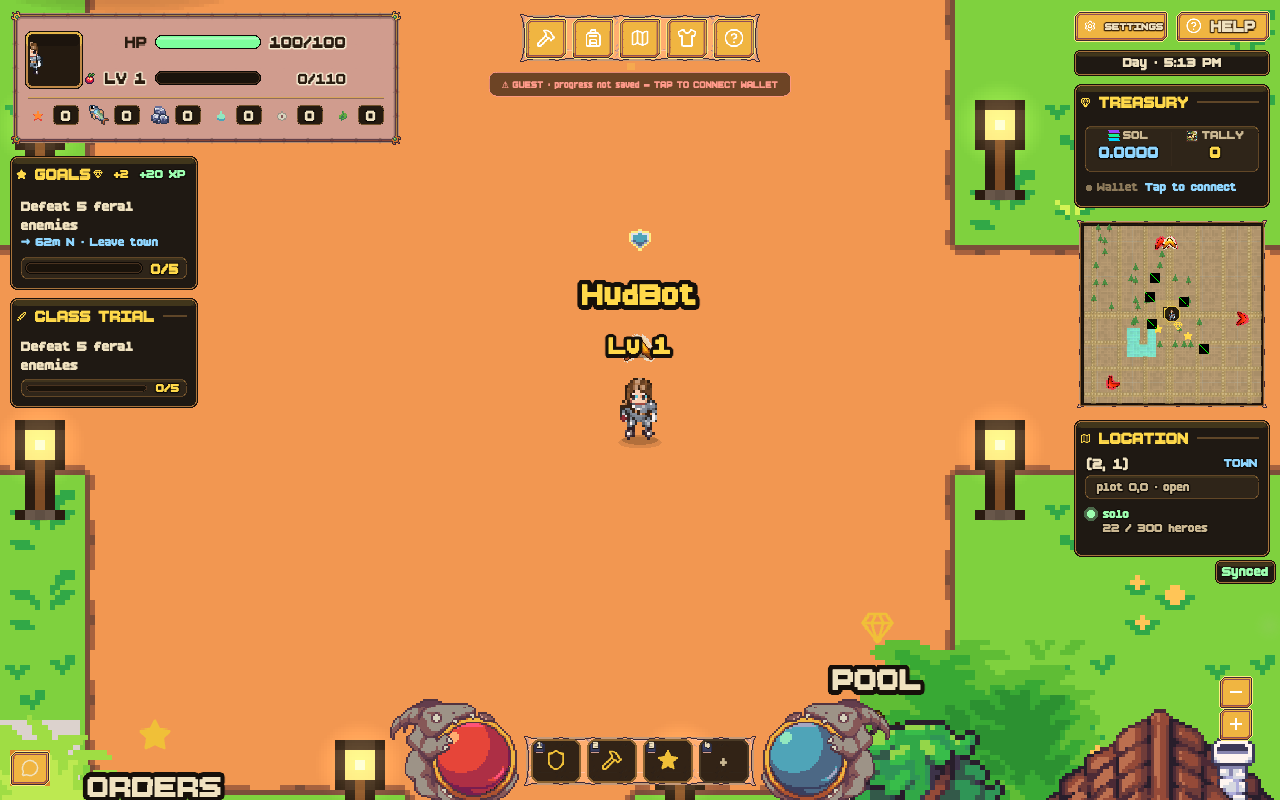
On desktop, use WASD or the arrow keys to walk. On touch devices, drag the left half of the screen like a joystick.
The world is large and persistent — other players share the same server when multiplayer is enabled.
Core controls
![Contextual [C] Chop prompt near Bruno the smith in Ember Alley](/assets/shots/fresh/forge.png)
- Move — WASD or arrow keys on desktop; drag the left half of the screen on touch.
- Attack — mouse click toward foes to swing. Chop trees and mine rocks when you are close enough (the gold ring turns green).
- Chop — press C to chop trees.
- Pickaxe — press V to mine stone and crystal nodes.
- Fish — press E near water to cast.
- Eat / Rotate — press R to eat fish and restore HP (or rotate structures in build mode).
- Harvest — press H to harvest crops.
- Feed companion — press F to feed your active companion.
- Class ability — press Q to use your class ability.
- Cycle companion — press TAB to cycle through companions.
- Build mode — press B to enter build mode. Then: 1 = wall, 2 = turret, X = demolish, Z = undo, R = rotate, ESC = exit.
- World Map — press M to claim plots, browse the marketplace, and inspect your land.
- Order Board — talk to Quill in Tally Town to deliver materials for Tally Points, ◆ merits, and XP.
- Harvest Pool — talk to Goldie in Tally Town to sacrifice Tally Points for a share of $TALLY.
- Wardrobe — visit Linen the tailor in town for skins, outfits, and loot boxes.
- Forge — visit Bruno at Ember Alley (Tally Town) to craft weapons, unlock tools, and upgrade gear.
- Pets — talk to Hazel at Greenpatch Farm (any town) to adopt companions.
- Item market — visit Mara at Block & Barrel (Tally Town) for commodities and player listings.
- Lost & Found — talk to Captain Vex in Tally Town to browse discounted lost loot bags.
- Players — press O for the online player list.
- Guilds — press U for guilds.
- Settings — sound, music, screen shake, and accessibility toggles. Replay the in-game tour from Options anytime.
GOALS & quests
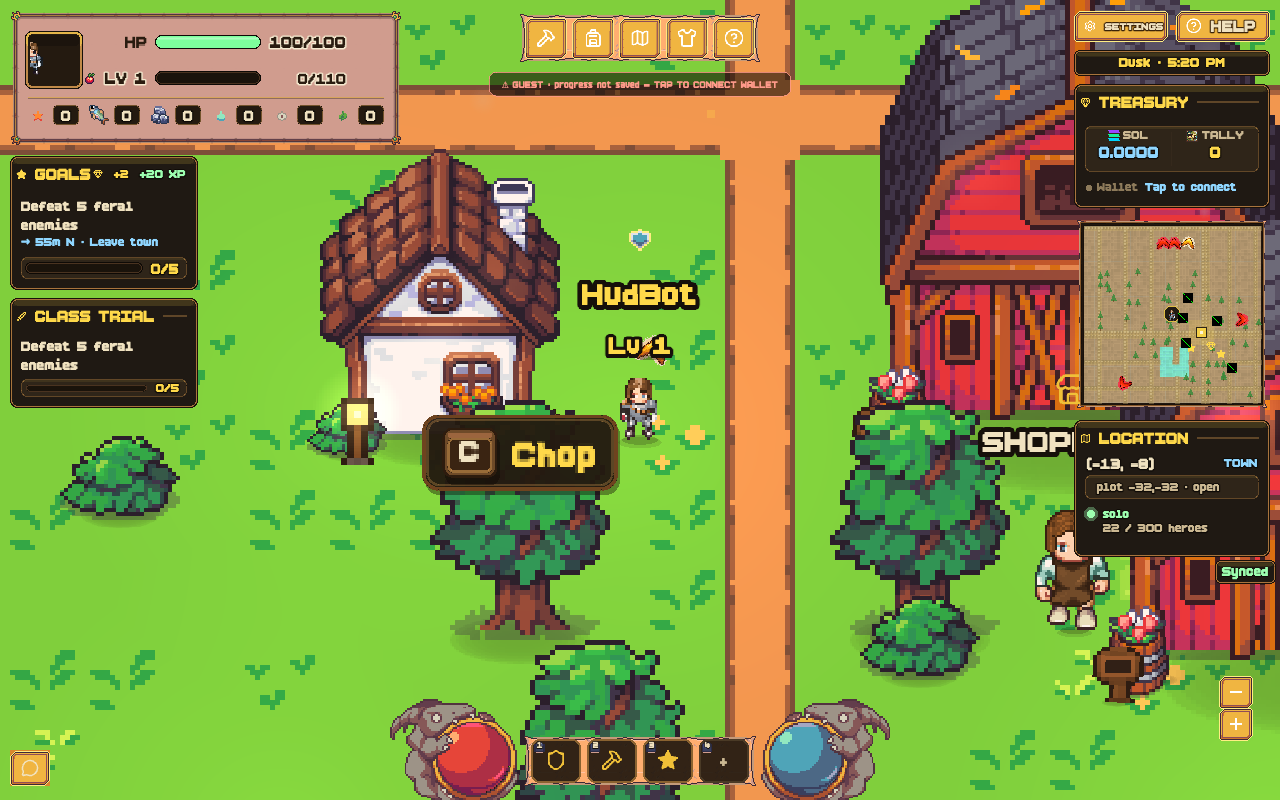
Your active objective lives in the GOALS card on the left HUD (under vitals). Tap GOALS to open the full quest list — grouped by tier from Starter through Raids.
Visit Sage the Elder in town for a new quest (costs 2◆). Completing quests earns XP, ◆ merits, and sometimes loot boxes for wardrobe unlocks.
Active quests show a gold waypoint on the minimap and a chevron around your character. Follow it to the nearest gate, resource node, pond, or boss lair.
HUD & pixel icons
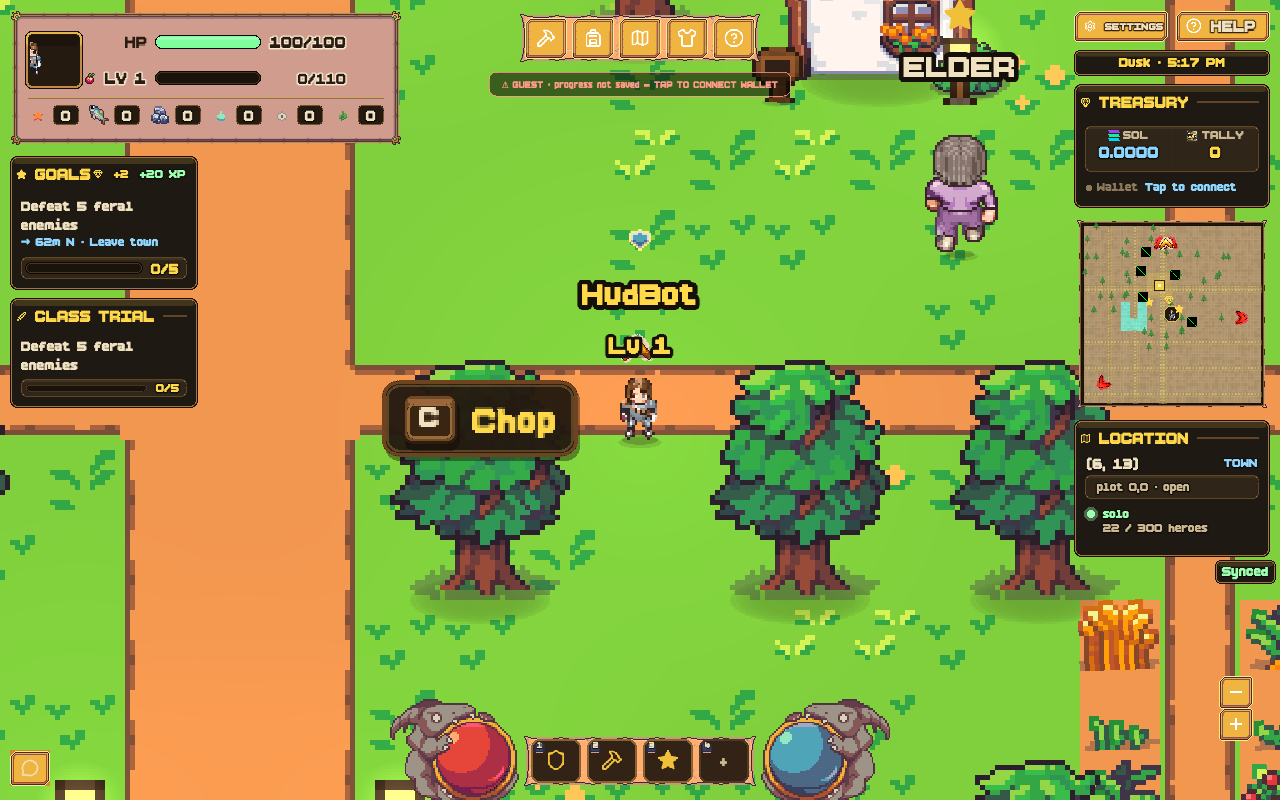
Most dock and HUD icons use the MV Pixel Fantasy icon atlas — crisp pixel art that matches the overworld. Chat emotes, wallet badges, and a few specialty glyphs still fall back to Lucide SVGs.
- Dock & vitals — backpack, map, fish, tools, and combat actions share the same pixel set.
- Forge weapons — each crafted weapon shows its own pixel icon (dagger, longsword, greatsword, battleaxe, warhammer, spear).
- Potion buffs — active brews appear in a strip under your vitals with a status icon and seconds remaining.
- Achievements — trophy and medal pixel icons in the Awards panel.
- Icons are MV Icons by Caz Pixel Fantasy (CC BY 4.0).